
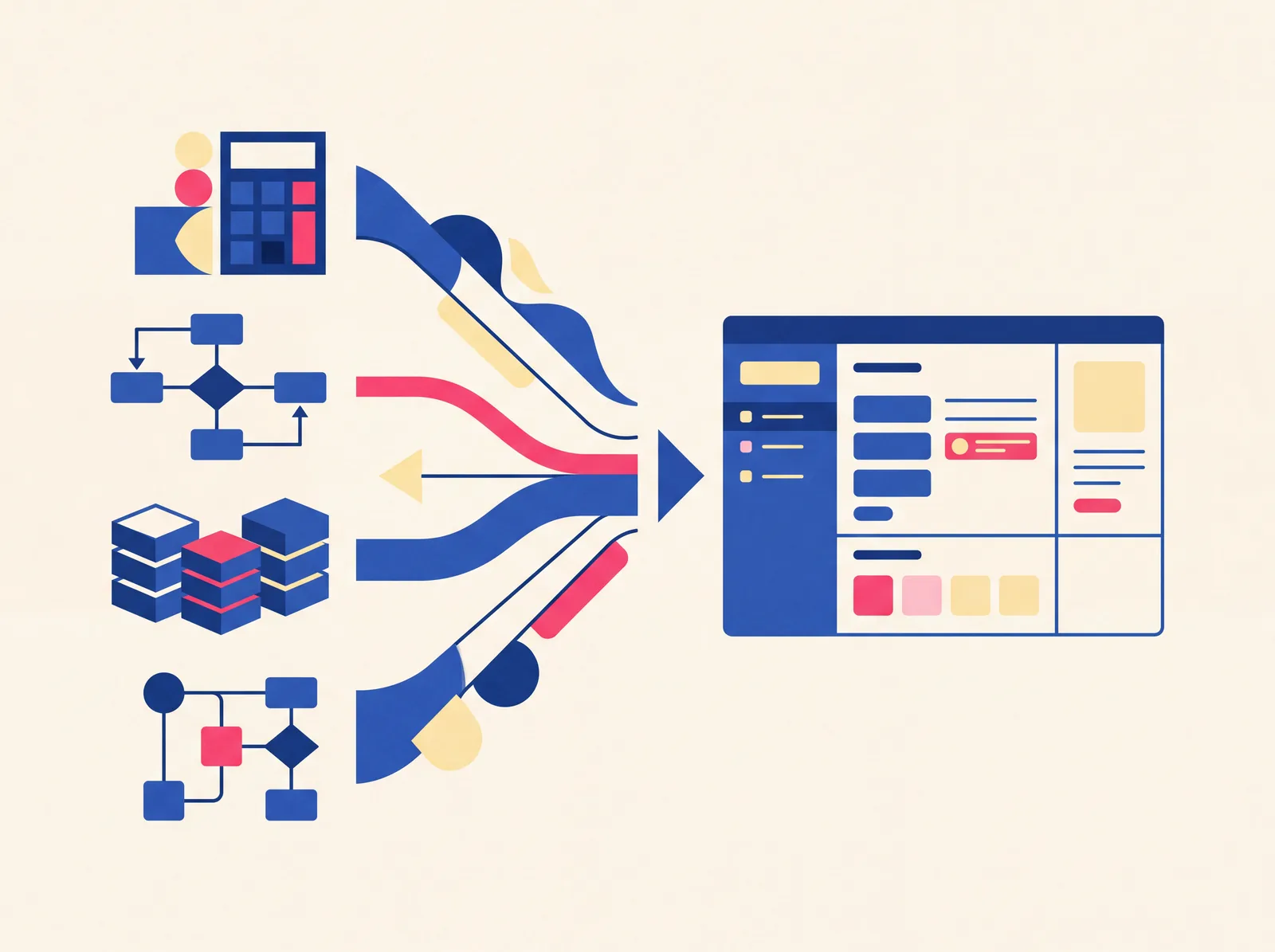
A custom business tool is a piece of software built specifically for how your business actually works, rather than a generic product you adapt yourself. Think a booking system that checks your real staff availability, a calculator that applies your specific pricing rules, or a dashboard that shows exactly the numbers you check every day — not a spreadsheet, and not a one-size-fits-all app you're bending to fit your process. If you've never commissioned software before, here's what that actually means in practice.
What "custom tool" means, concretely
It's easiest to describe with examples rather than a definition.
A calculator takes your specific pricing or compliance logic — say, GST rates and late-fee rules — and turns it into something a customer or staff member can use without doing the math themselves or needing to understand the rules.
A booking system doesn't just show a calendar — it enforces real logic: a slot that's already taken becomes genuinely unavailable to pick, not just visually greyed out while still technically bookable. That distinction is the whole point of a system versus a booking form.
A dashboard pulls together the specific numbers you check regularly — revenue, overdue payments, inventory levels — into one glance instead of several manual checks across different files.
A tracker is a structured, purpose-built record for something you're currently tracking loosely — leads, inventory, orders — with fields and rules that match how your business actually categorizes and moves that data.
In every case, the tool is shaped around your specific workflow, not the other way around.
How this is different from an app you already know
Off-the-shelf software — a generic CRM, an inventory app, a scheduling tool — is built to serve as many businesses as possible, which means it's necessarily general. You adapt your process to fit the tool, or you use ten percent of its features and pay for the other ninety. A custom tool inverts that: the tool is built to fit your process, including the specific quirks that make your business not quite like anyone else's. This is the actual tradeoff worth understanding — we go into it directly in off-the-shelf vs. custom software.
When it's worth it
Custom makes sense when your process has specific rules or logic that a generic tool doesn't handle — pricing formulas, compliance requirements, or an approval flow unique to how you operate. It's worth it when you're currently doing something manually, repeatedly, and it's costing real time each time you do it (this is often the spreadsheet-outgrowing moment we cover in when a spreadsheet stops being enough). And it's worth it when an off-the-shelf option exists but requires so much manual workaround to fit your case that you're doing double the work just to make it usable.
It's not automatically worth it just because "custom" sounds more professional than "we use a spreadsheet" — if a simple, cheap tool already does the job well, that's the better call, and a studio that's honest with you will tell you that instead of selling you a build you don't need.
What commissioning one actually looks like
The process, done properly, starts with understanding your actual workflow — not a features wishlist, but how the work really happens day to day, including the annoying edge cases. From there, scope gets defined and written down: exactly what the tool will do, and just as importantly, what it won't. A fixed price gets attached to that scope. Then it gets built, you review it against what was agreed, and it ships — ideally with a short window where fixes are free if something's off from what was scoped.
The two things that make this go well: giving a clear, honest picture of your actual process upfront (including the messy parts), and having a written scope you can hold the build to, so "custom" doesn't quietly turn into "whatever the developer assumed you meant."
Seeing what this looks like in practice
Reading about custom tools in the abstract only goes so far — our portfolio has real, deployed examples: a GST calculator, a booking system with genuinely-blocked slots, an inventory tracker, a feedback collector. If something in your own business sounds like one of the examples above, get in touch and describe the actual process — that's the fastest way to find out if a custom tool is the right move.
FAQ
- How is this different from hiring a developer to "build me an app"?
- It's the same category of work, but the difference is in process — a proper engagement defines scope and price before building starts, so you're not paying hourly with an open-ended outcome.
- Do I need to know exactly what I want before reaching out?
- No — you need to know your actual process, which is different. A good scoping conversation turns "here's how we currently do this" into a defined tool; you don't need to arrive with a spec.
- Is a custom tool always more expensive than an app subscription?
- Upfront, usually yes. Over time, it depends — a subscription is ongoing forever, while a custom tool is a one-time build you own outright, with no monthly fee and no vendor able to change the rules on you later.
- What if my needs change after the tool is built?
- That's normal and expected — a tool built around today's process should be able to evolve. Change requests after the initial free-fix window are handled as separate, scoped work rather than assumed to be free indefinitely.