
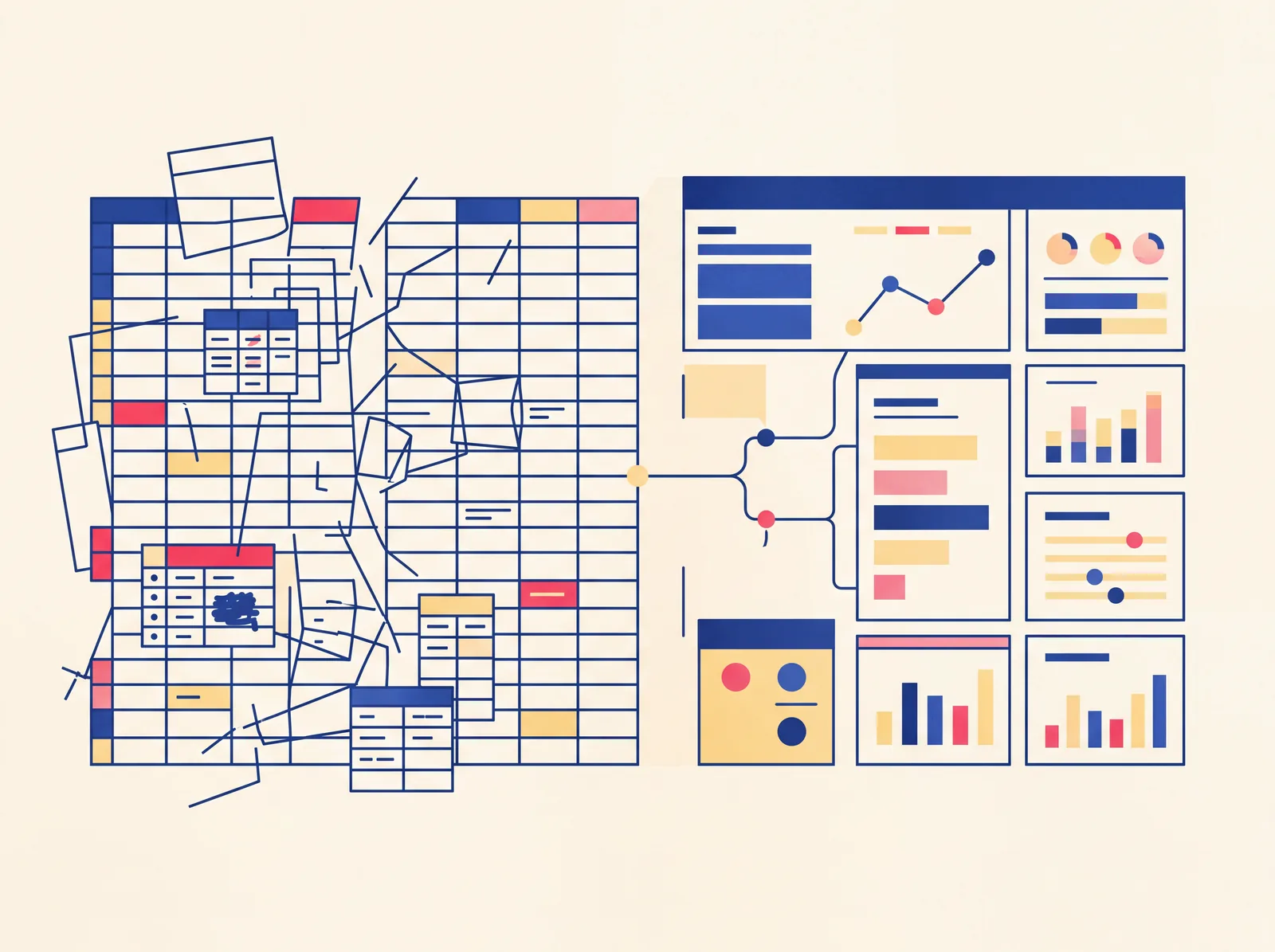
A spreadsheet stops being enough when you spend more time maintaining it than using it — fixing broken formulas, catching entry errors, or reconciling versions after two people edited it at once. It's a sign your business has outgrown manual tracking, not that you're using spreadsheets wrong. Spreadsheets are genuinely good tools for a specific stage of a business; the problem is that most businesses keep using them well past that stage, because switching feels like a bigger project than it usually is.
Why spreadsheets work well at first
Spreadsheets are flexible, familiar, and free. Early on, when you have a handful of customers, a few transactions a week, and one or two people touching the data, a spreadsheet does the job with zero setup cost. You can reshape it however you want, and there's no learning curve because everyone already knows how to use one.
That flexibility is also exactly what turns into a liability as the business grows.
The signs you've actually outgrown it
You're the only one who understands the formulas. If a spreadsheet only works because you personally remember which cells feed into which, that's not a system — it's a single point of failure. The moment you're unavailable, or someone else needs to update it, the whole thing is at risk.
Multiple people are editing it and versions conflict. Someone emails you "the latest version," someone else is working off an older copy, and now there are two sources of truth with different numbers in them. This gets worse, not better, as more people touch the file.
You're manually re-entering the same data in more than one place. Copying numbers from one sheet into another, or from a spreadsheet into an invoice, or into another system entirely — every manual re-entry point is a place errors get introduced, and it's time spent on work that produces nothing new.
A single wrong formula or deleted row could break something important. If one accidental keystroke could silently corrupt data you rely on for decisions or compliance, and you wouldn't necessarily notice until later, that fragility is a real cost, even if it hasn't bitten you yet.
You've built workarounds for things a spreadsheet was never meant to do. Color-coding rows to fake a status field, hidden helper columns to simulate logic, elaborate conditional formatting standing in for real automation — if you're engineering workarounds like this, you've essentially built half of a real tool already, just in the wrong medium.
Checking something takes real effort instead of a glance. If "what's our current inventory" or "which invoices are overdue" requires opening a file, filtering, and cross-checking rather than just looking at a dashboard, the tool is costing you time on every single check.
What actually changes with a proper tool
The core difference isn't aesthetics — it's that a purpose-built tool enforces structure a spreadsheet can't. Data entry gets validated instead of trusting that nobody fat-fingers a cell. Multiple people can work from the same live data instead of emailing file versions back and forth. The tool can calculate, flag, or alert automatically instead of you remembering to check. And because it's built around your actual workflow rather than a generic grid, the things you check often become a glance instead of a task.
This doesn't mean every spreadsheet needs replacing — a lot of genuinely simple tracking is fine to leave as-is indefinitely. The signal to act is specifically when the maintenance cost of the spreadsheet — the errors, the re-entry, the fragility — starts outweighing the near-zero cost of just using one.
What replacing it actually looks like
Moving off a spreadsheet doesn't have to mean a large software project. Often it's a single, focused tool that replaces the one process that's actually causing pain — a tracker, a dashboard, a calculator with the logic built in — rather than an overhaul of everything at once. We cover what that looks like, concretely, in what a custom business tool actually is.
If you're not sure whether what you're dealing with is a "replace the spreadsheet" problem or something bigger, get in touch and describe what you're currently doing manually — that's usually enough to tell fairly quickly.
FAQ
- Do I need custom software, or is there an off-the-shelf tool that solves this?
- Often an off-the-shelf tool is genuinely the right, cheaper answer — this is worth checking before assuming a custom build is necessary. See our honest comparison of off-the-shelf vs. custom software.
- How do I know if my process is even worth automating, or if it's a one-off?
- If it's something you do once and never again, it's probably not worth building for. If it's recurring — weekly, monthly, or with every new customer or order — the time saved compounds and the case gets stronger fast.
- Is switching off a spreadsheet a big, risky project?
- It doesn't have to be. A focused tool that replaces one specific painful process is a much smaller undertaking than trying to replace every spreadsheet in the business at once, and it's usually the more sensible way to start.
- What happens to my existing spreadsheet data when I switch?
- A well-planned tool build accounts for migrating your existing data in, rather than starting you from zero — this should be part of the scope conversation before the build starts, not an afterthought.